描述
Bakewell Back Camera Lens Cover Replacement Compatible With iPhone 16 Pro Max
Product informaiton:
Bakewell back camera lens cover replacement compatible with iphone 16 pro max.
Please confirm your device model before purchasing to ensure a perfect fit.
Easy Installation Guide (Follow 5 Simple Steps):
(1)Power off your device first. Use a heat gun(Not included) or hair dryer to gently heat the camera lens for about 1–2 minutes. Please keep the temperature moderate to avoid overheating.
(2)Carefully remove the old glass lens using the Bakewell tweezers. Thoroughly clean the old lens area and remove any residual adhesive.
(3)Peel off the adhesive backing from the new camera lens, align it precisely with the original position, and press firmly for 10–15 seconds.
(4)After installation, wipe off any excess glue with the included Bakewell cleaning cloth.
(5)Power on your phone and test the camera function to ensure everything works properly.
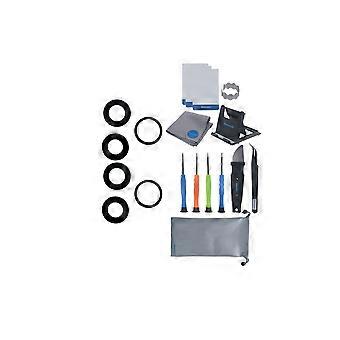
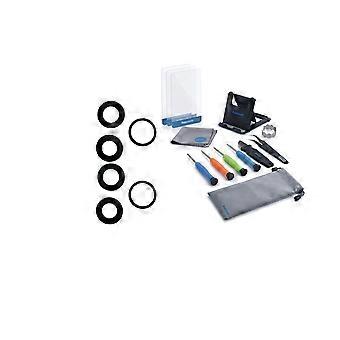
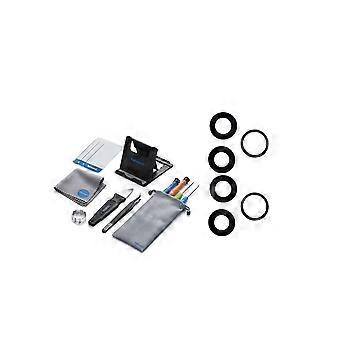
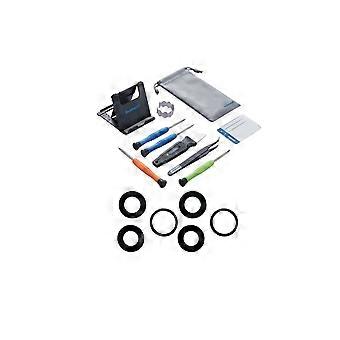
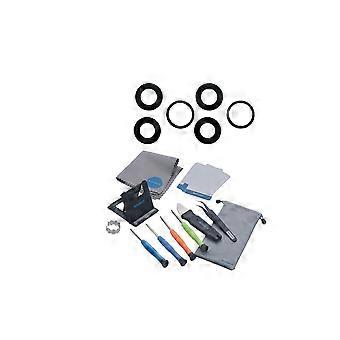
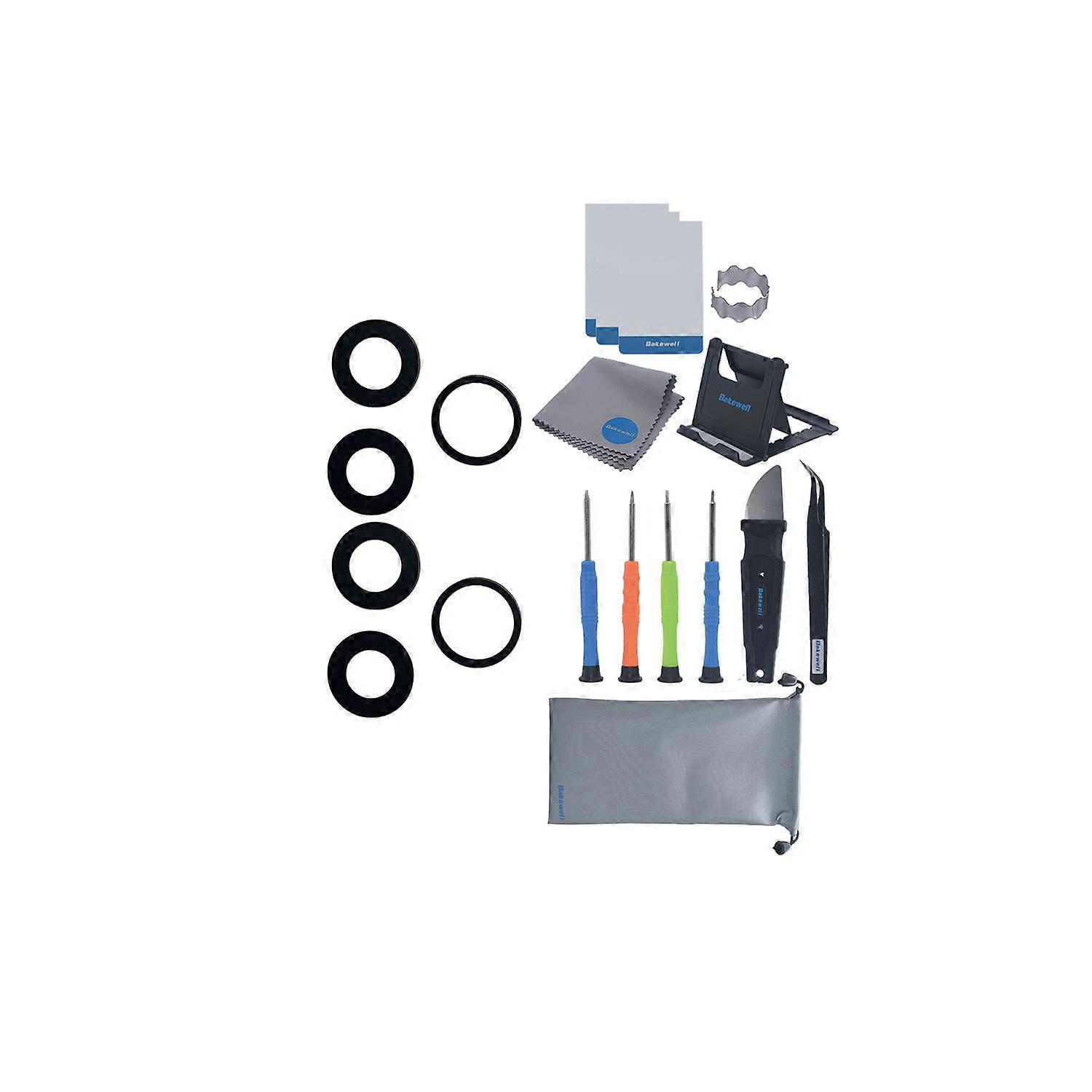
(6)What’s in the Box?
2 x Back camera glass lens.
1 x Mobile repair tool kit.
1 x Mobile stand holder.
1 x Mobile cleaning cloth.
1 x Mobile storage bag.
-
Fruugo ID:
500413962-1027045826
-
EAN:
8711474616476